
Related Tags
Plugins baby – An essential guide to free and paid guitar plugins
We cherry pick our favourite free guitar plugins and the paid-for softwares that we think are worth your hard-earned cash.
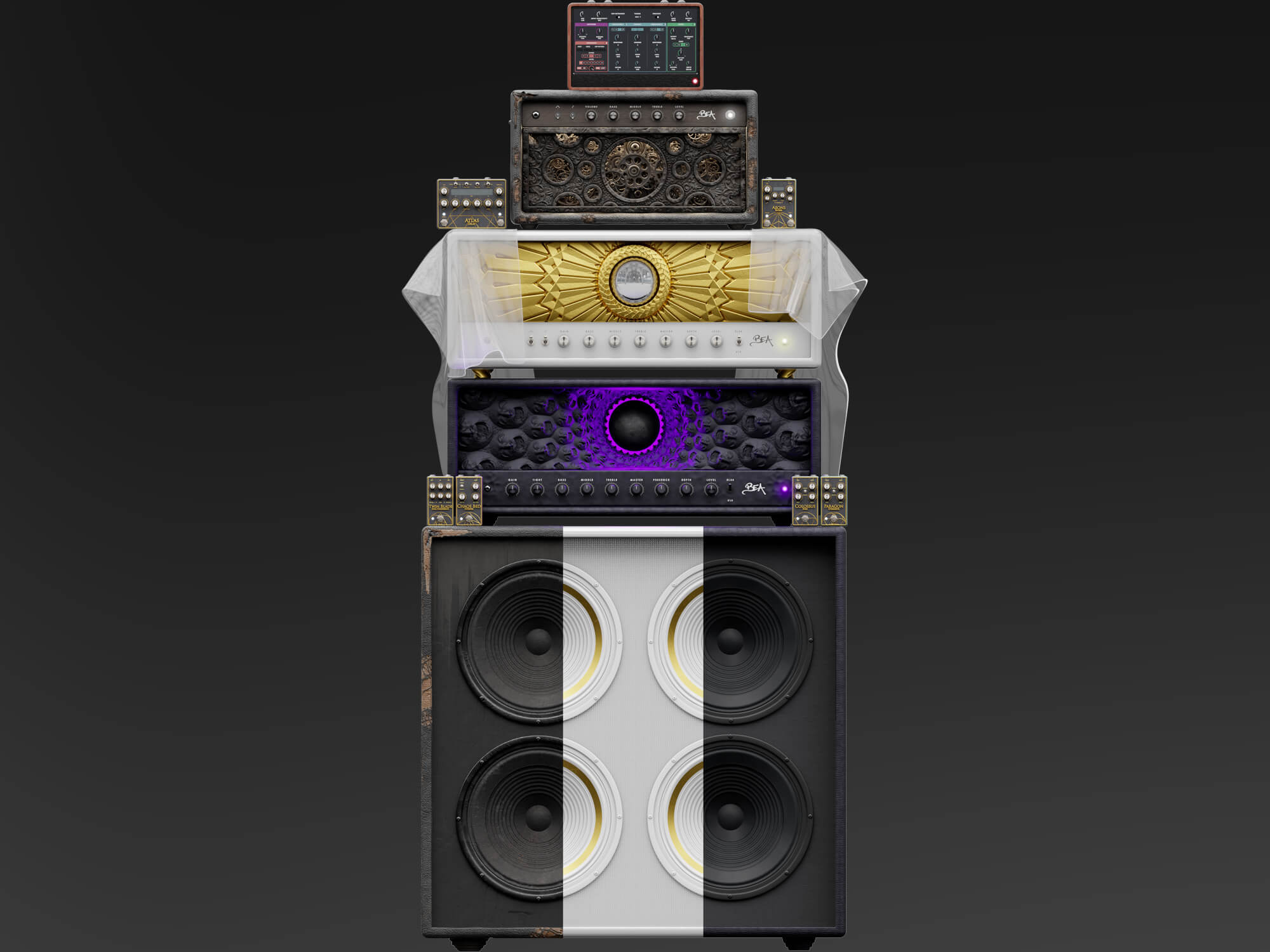
Image: Neural DSP
Every guitarist has different preferences and needs. For some, the warmth of a tube amp and physical pedalboard can’t be beat. I once had a lecturer who took a deep sniff of a new pedal box – to each their own. For others, chunky gear, cables and potentially unreliable electronics can’t match the cleanliness and efficiency of a digital signal chain.
It’s by no means an absolute, and you can love both. On this occasion, I’m going to assume that if you’re reading this guide, there’s a part of you that falls into the latter camp. If you’re after a comprehensive look at amp modellers and sim pedals, be sure to read our previous guide on setting up a digital signal chain for home playing and recording. Absent from that feature was any mention of guitar plugins and the reason is simple – it’s a big subject.
If you’re already playing and/or recording guitar via a computer, feel free to jump ahead. If this is all new to you then stick around, because the next section is all about how you get your guitar and computer talking with one another.
How to play and record guitar on your computer
Connecting your guitar to your computer is relatively straightforward – it just requires a few essential components.
A fairly modern computer or laptop is essential. A decent amount of hard drive space will enable you to have multiple plugins and software ready to go. When paired with 16GB – 32GB of RAM, you’ll be able to smoothly run all software in tandem along with live playback and recording.
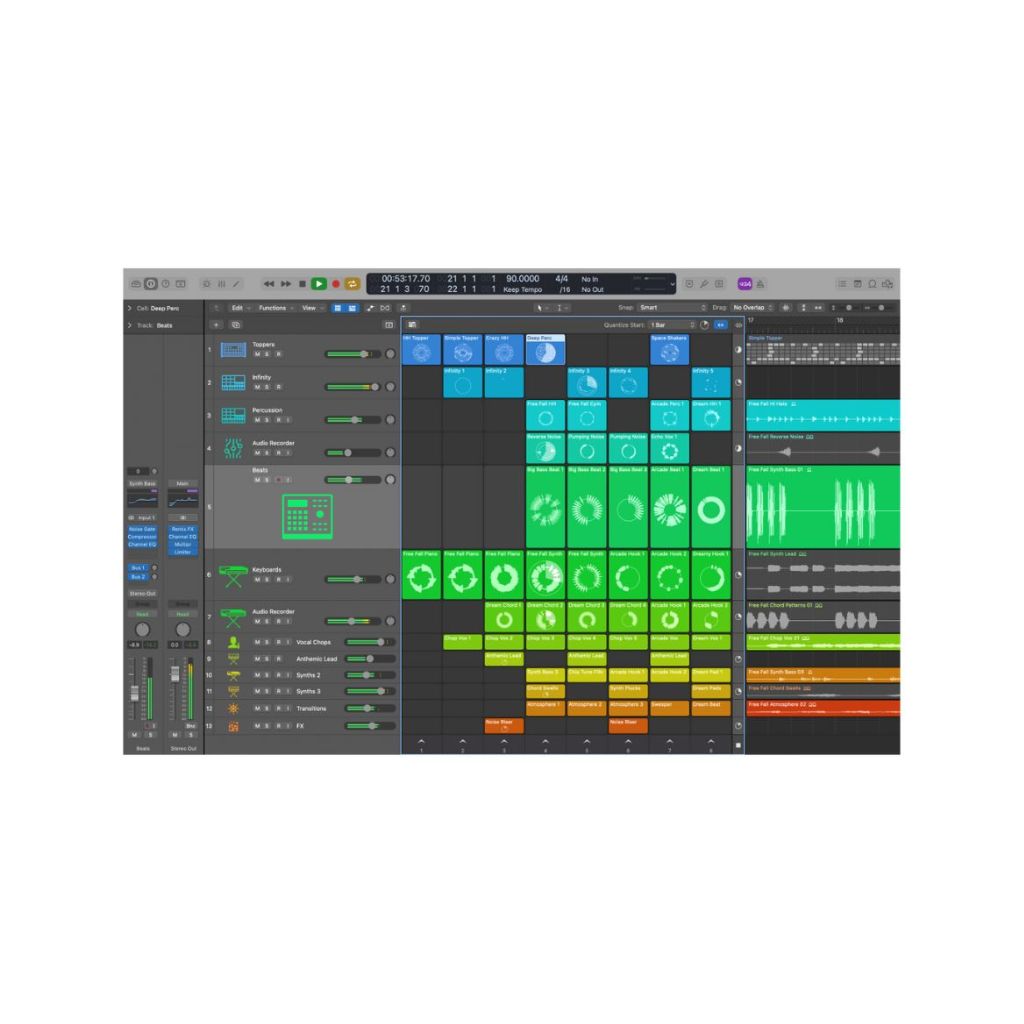
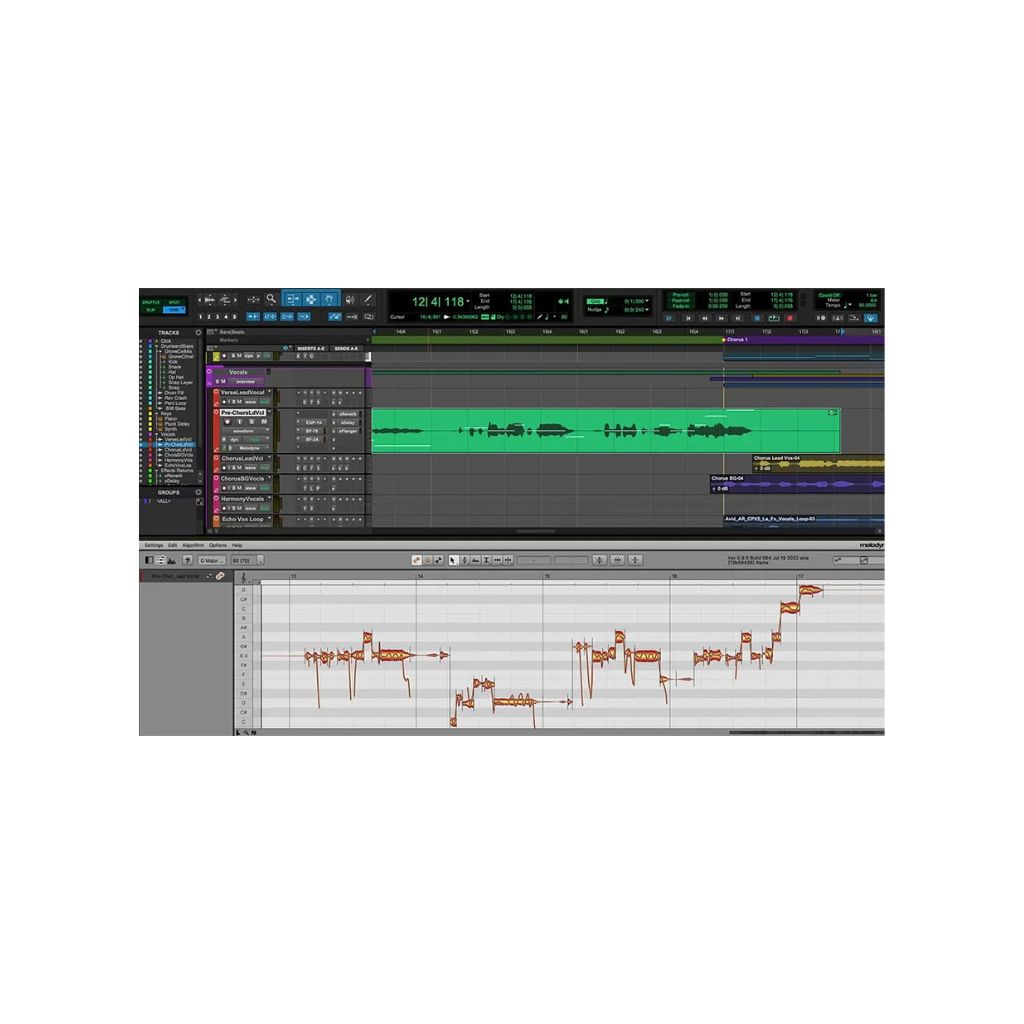
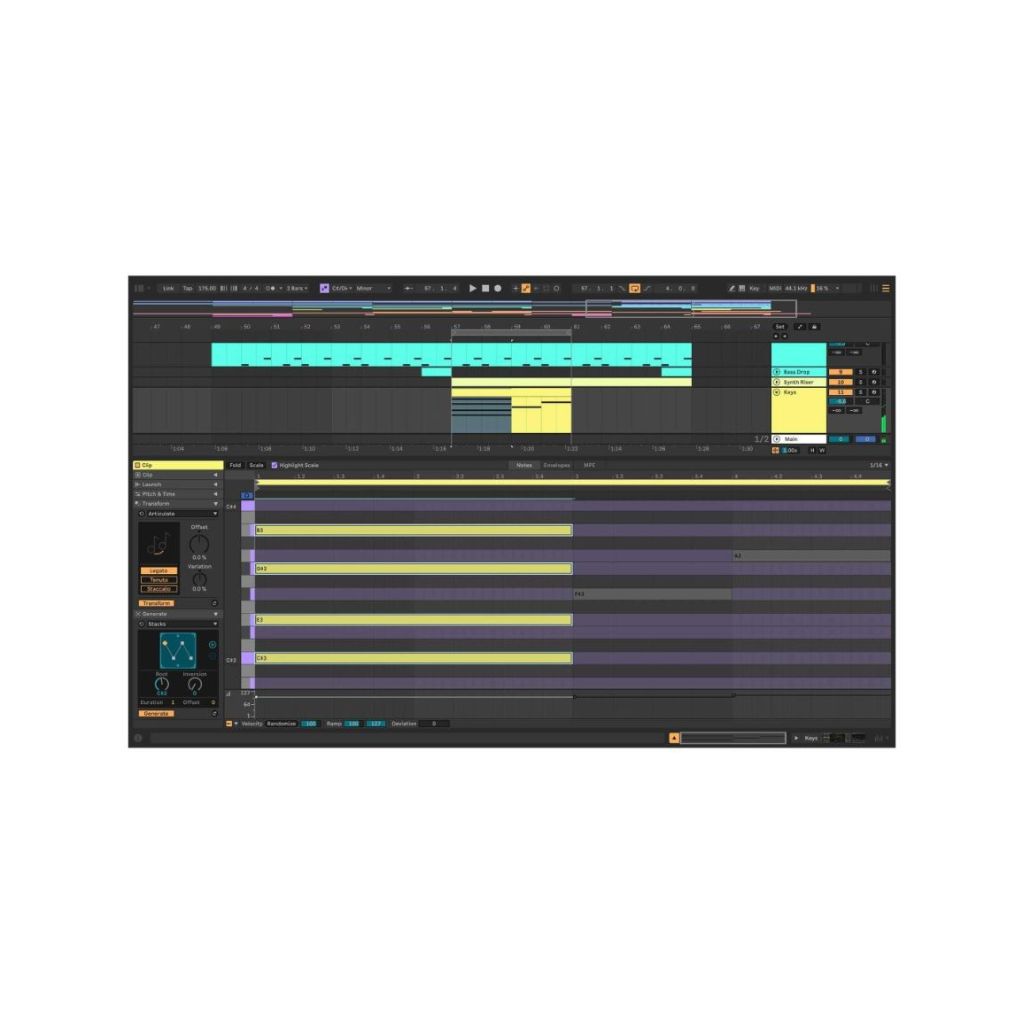
Next you’ll need a Digital Audio Workstation or DAW. This is the software that takes your guitar signal and allows you to record and edit it. It’s also what you’ll likely be integrating your guitar plugins into so that you can load them up quickly. Below are the most popular options, many of which come with a free timed trial or free feature-limited version:
- Logic Pro (macOS only)
- Pro Tools (Windows/macOS)
- Ableton Live (Windows/macOS)
- Cubase (Windows/macOS)
- Tracktion Waveform Free (Windows/macOS)
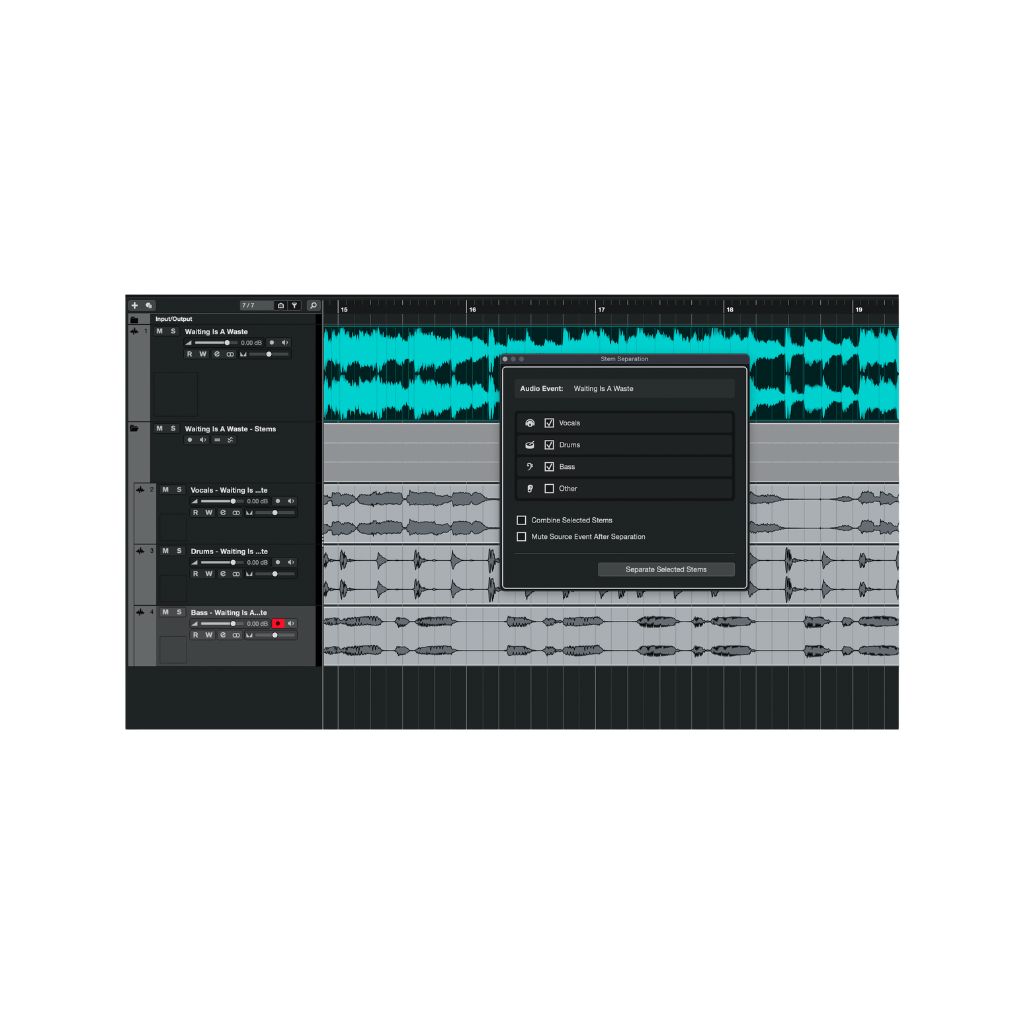
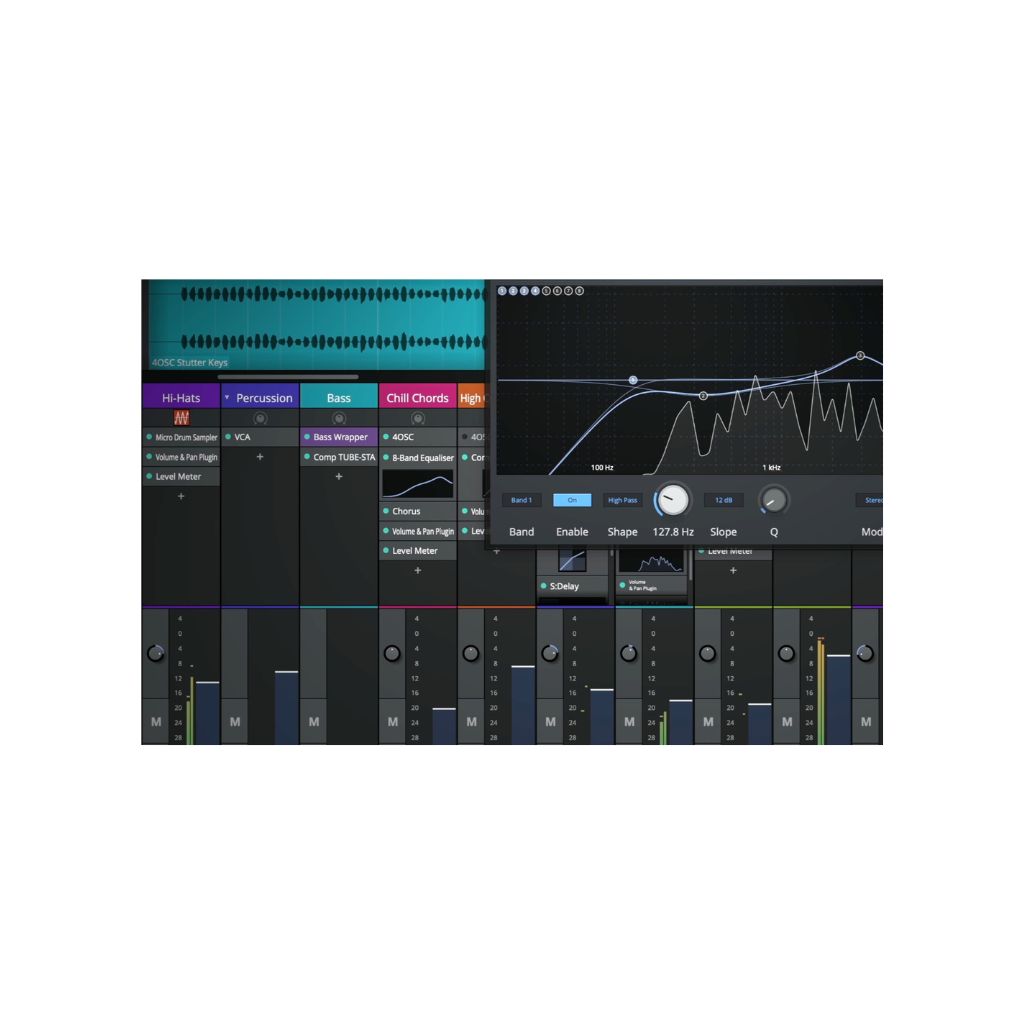
Now for the crucial link – an audio interface. This is what takes the signal from your guitar to your computer and DAW. Focusrite’s Scarlett 2i2 and Audient’s iD4 are popular choices for guitarists, but we recommend researching based on your needs. Many audio interfaces will come with a ‘lite’ version of a DAW, such as Ableton Live Lite or Cubase LE, which kills two birds with one stone.
Finally, make sure you’ve got some headphones and/or speakers. When playing and recording, any half-decent pair of headphones or speakers will do the job.
Now, before we dive into our list, there are a couple of important things to mention. Every free and paid plugin we’ve featured is compatible with both Windows and macOS. Excluding Guitar Rig 7 Player, each plugin will work in all major DAWs or as a standalone app.
For the paid guitar plugins, all of them have free trials available and they regularly go on sale, so while I may reference their affordability or premium pricing, they are discounted throughout the year.
Now that you possess everything you need to play and record guitar using your computer, let’s check out the plugins we think are worth experimenting with.
Our favourite free guitar plugins
Best for beginners: Native Instruments Guitar Rig 7 Player
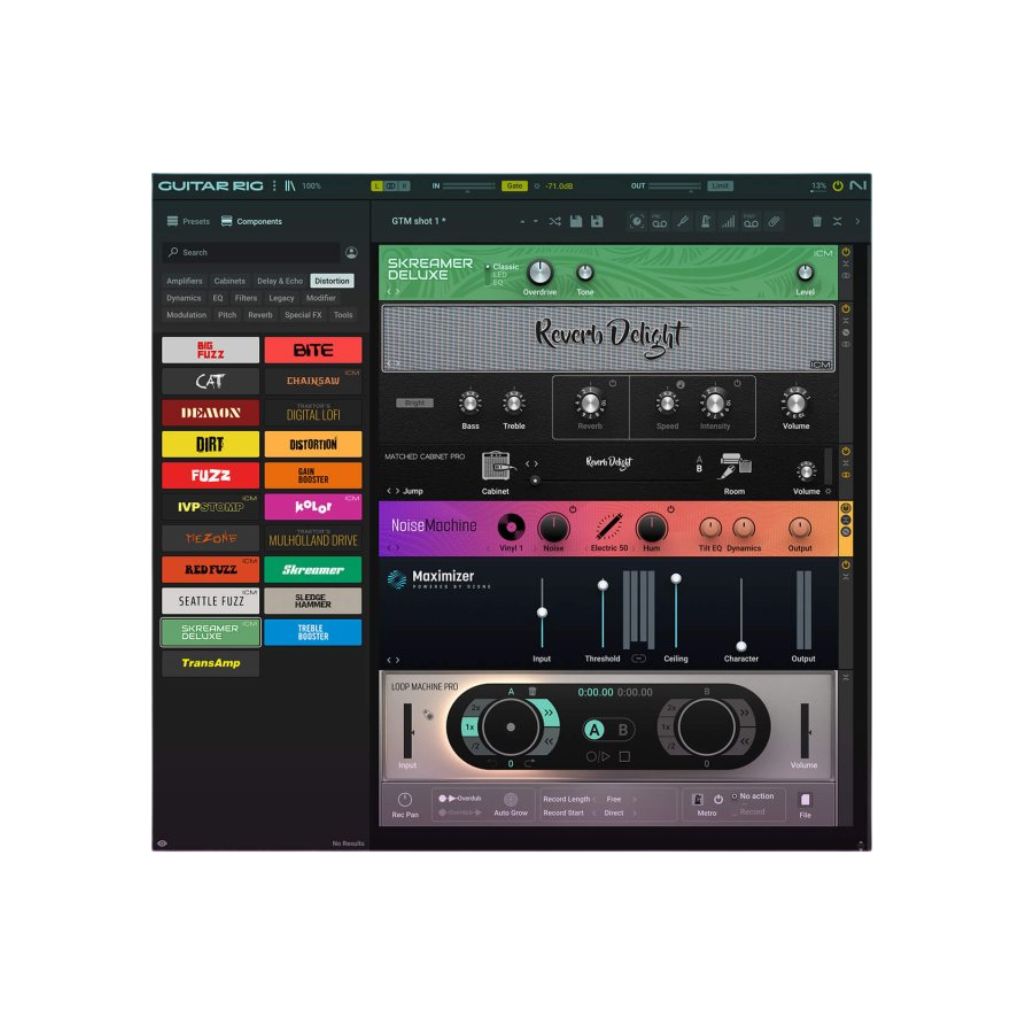
A feature-limited version of their pro version, Native Instruments’ Guitar Rig 7 Player is a fantastic starting point for free amp simulation and multi-effects. Out of the box, you’ll find two amp and cabinet sets, plus 26 creative effects and sounds.
Building your signal chain is intuitive with a drag-and-drop interface. When coupled with Native’s Intelligent Circuit Modeling (ICM), which mimics the behaviour of hardware through machine learning, Guitar Rig 7 Player does a great job of delivering realism and depth to the sounds you’re creating.
If you’re interested in trying your hand at music production, I’d recommend downloading Komplete Start – a free plugin bundle that includes Guitar Rig 7 Player along with so many other instruments, sounds and creative effects.
Best for customisation: Neural Amp Modeller
Download at neuralampmodeler.com.
Next up is Neural Amp Modeller, an open-source software that offers almost unlimited options for both digital amps and effects pedals. It’s built around the Snapshot plugin – a simple device that allows you to load in your favourite amp and effects pedal sounds, which have been captured and uploaded by the community.
You can also load IRs or Impulse Responses. These are what adds realism to the sounds as IRs capture not just the amp and cabinet sound, but the microphone placement and reverb of the space in which they were captured.
You will need to visit TONE3000 to download your chosen suite of amp and effects sounds, but otherwise, Neural Amp Modeller is an easy-to-use and endlessly customisable free guitar plugin.
Best all-rounder: IK Multimedia Amplitube 5 CS

If you like the sound of what the Neural Amp Modeller offers, but want it pre-packaged, IK Multimedia’s Amplitube 5 CS may be for you. Much like Guitar Rig, this is a feature-limited version of the paid version, but you’re still getting a great selection.
Amplitube 5 CS comes with digital recreations of 10 stompbox models, six amplifiers, seven cabinets, four speakers, three microphones, six rack effect units and six room sounds. Many of these bits of ‘gear’ are modelled on iconic real-world equipment such as Marshall’s JCM800, Fender’s Deluxe Reverb, AKG’s 414 microphone and the Neumann U87 microphone.
Amplitube also integrates IK’s TONEX modelling software, which I’ll be talking about later in our best paid guitar plugins.
Our favourite paid guitar plugins
Best for beginners: Blackstar St. James Plugin
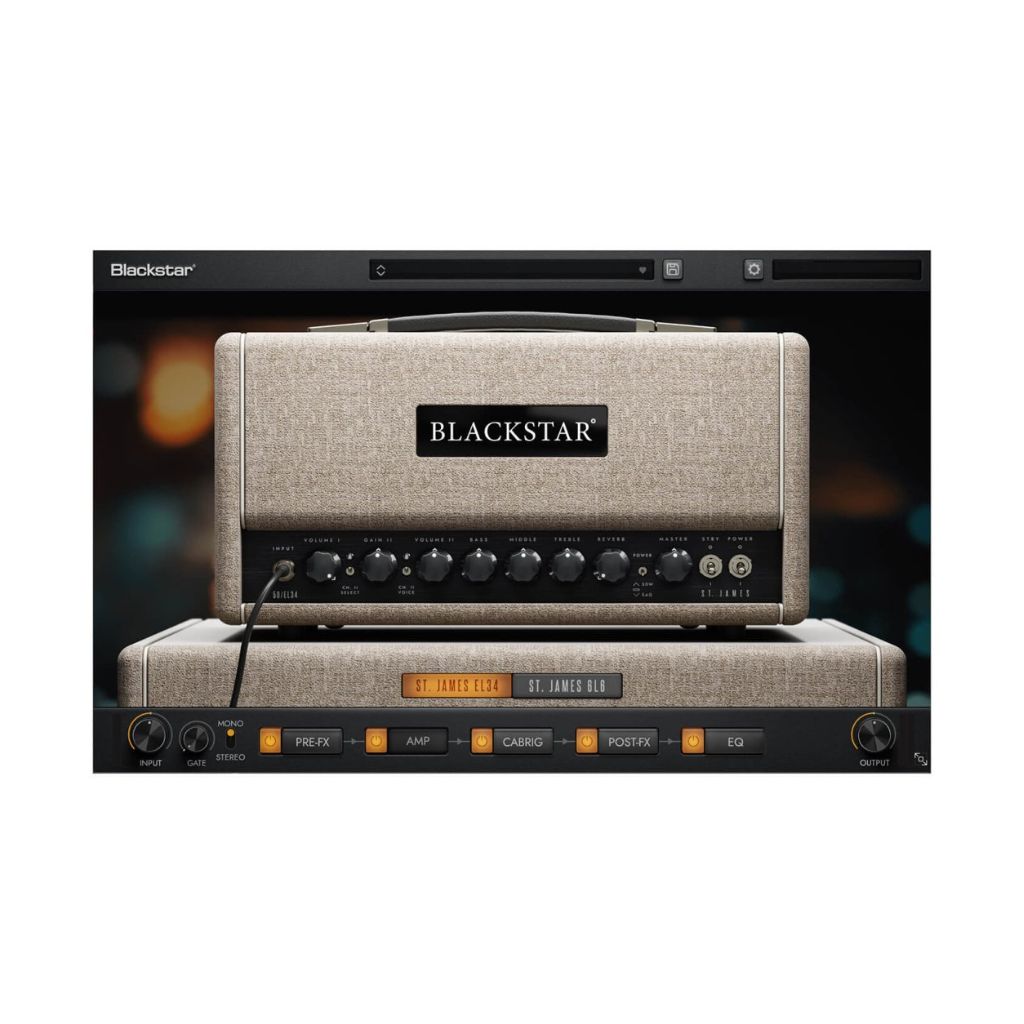
Unlike the other plugins I’ll be covering, the St. James Plugin is a very lean package – recreating just the EL34 and 6L6 amps.
Featuring a super straightforward UI, pre and post-effects and CabRig, there’s a surprising amount of depth to the sounds you can create, from crisp cleans to modern metal. Mic positions can only be set on- or off-axis, but you’ll still have lots of opportunities for customisation.
In our review, Cillian Breathnach said, “The St. James still offers a lot of great guitar sounds for less than the price of a single hardware pedal. The fact that it includes two wildly different flavours of tube amp also means it’s an inherently versatile thing to have in your production toolbox, and for those who want to dip their toe into what amps can offer, it’s a pretty great initial overview.”
Best specialised plugins: Neural DSP Archetype and amp sims
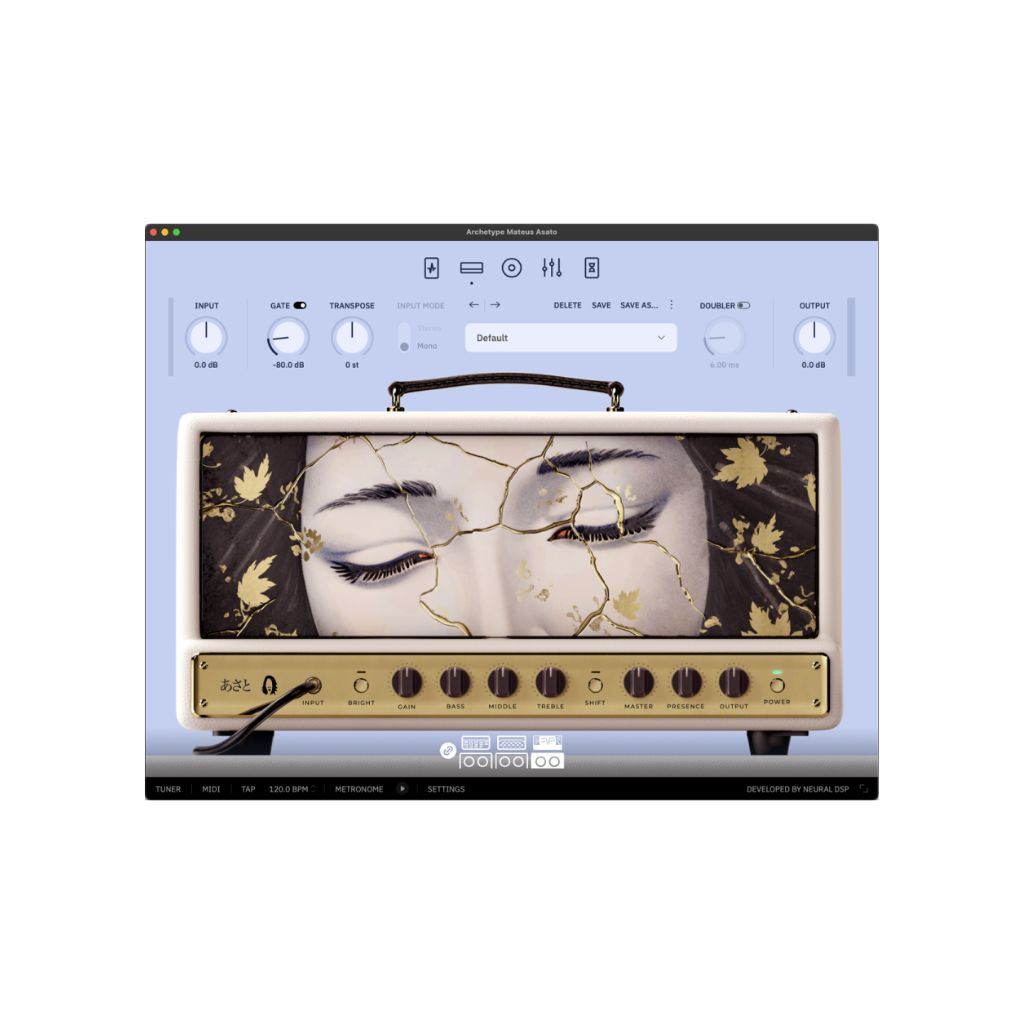
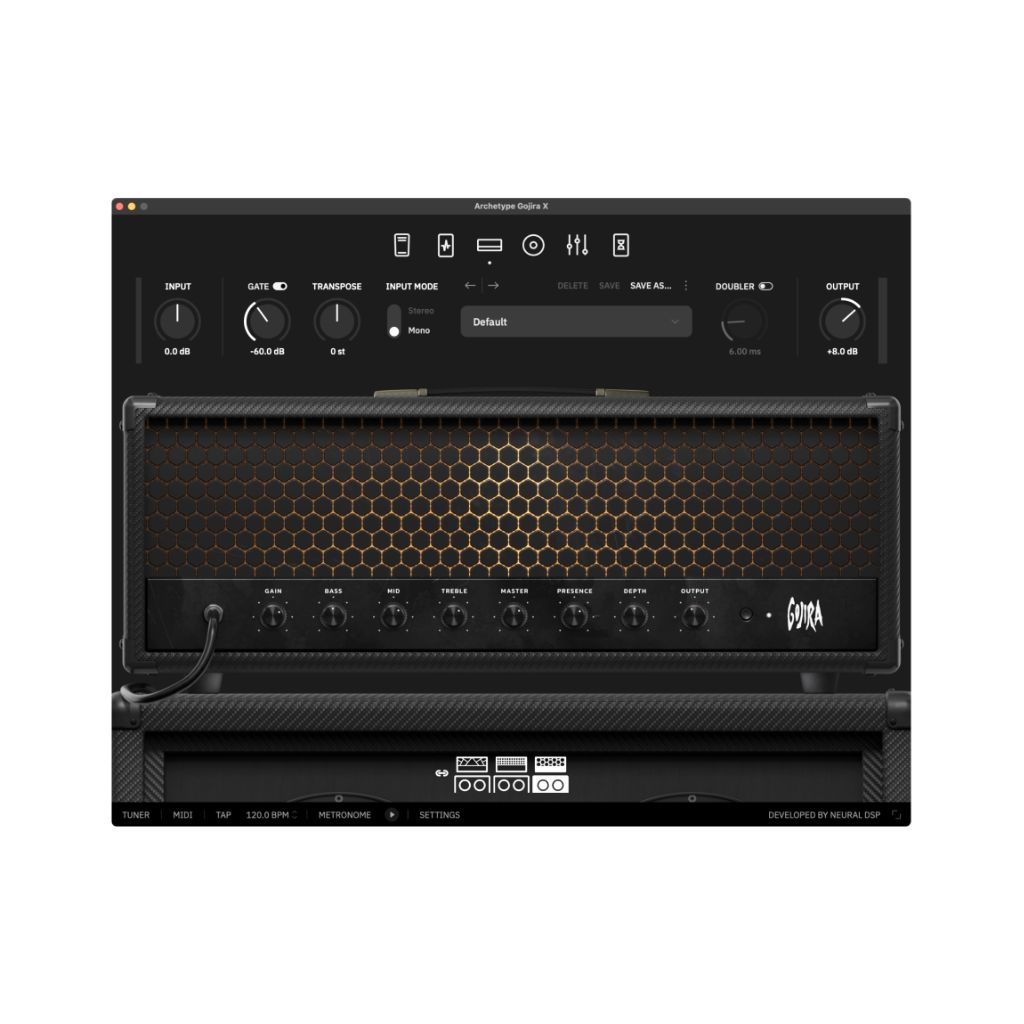
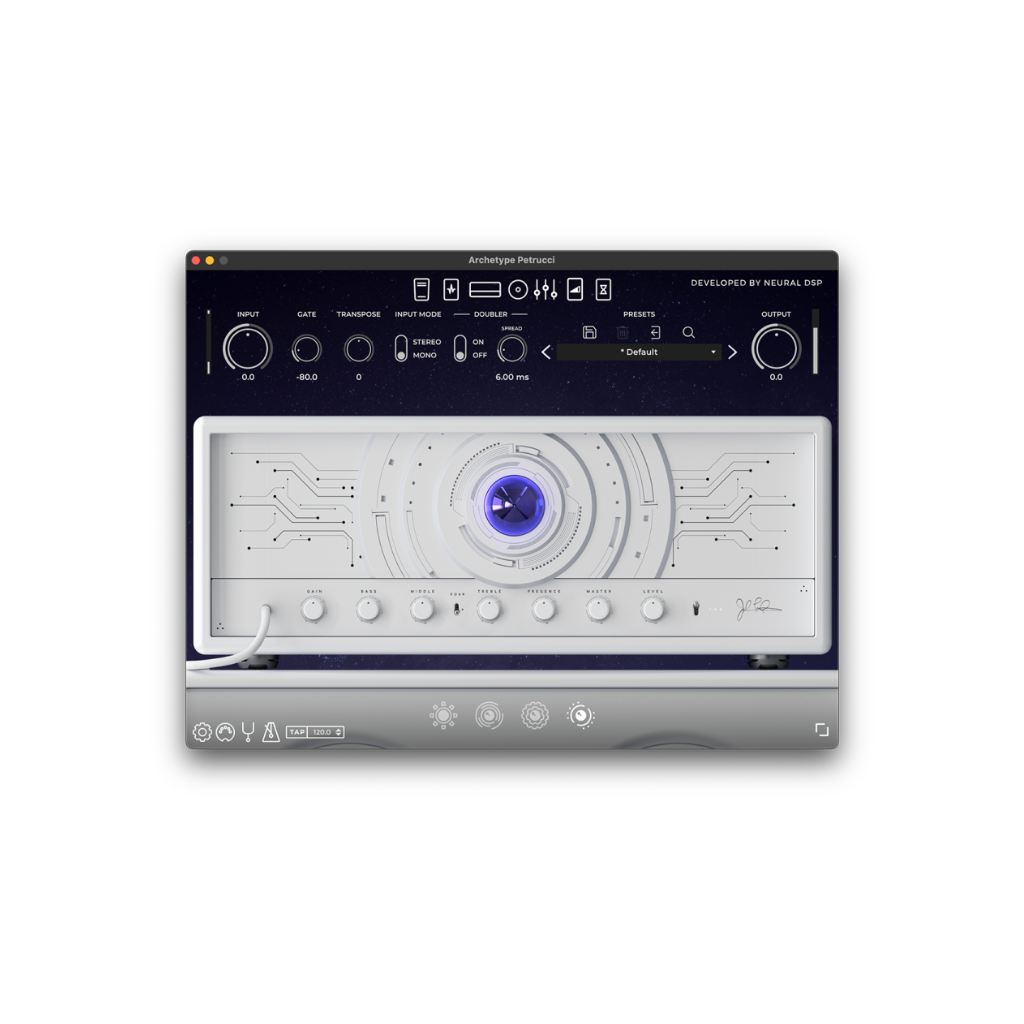
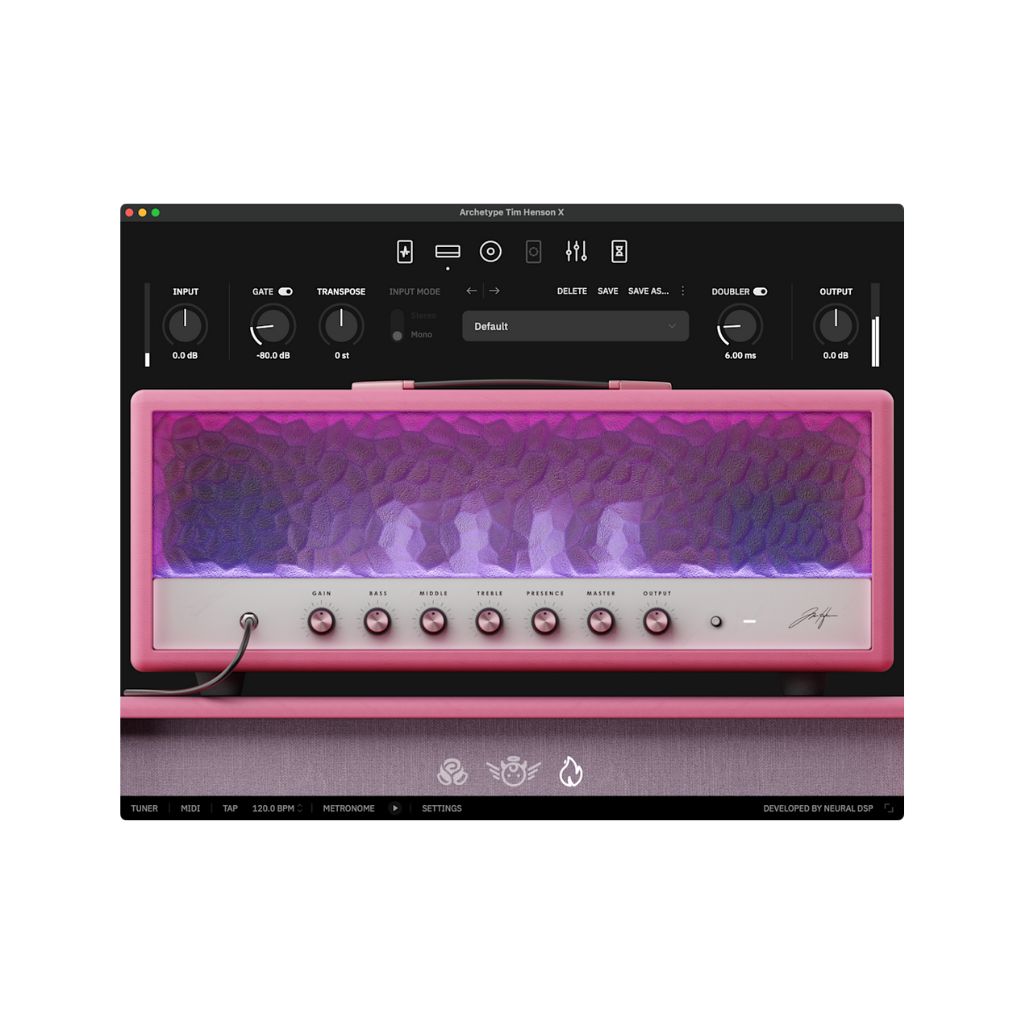
Download at neuraldsp.com.
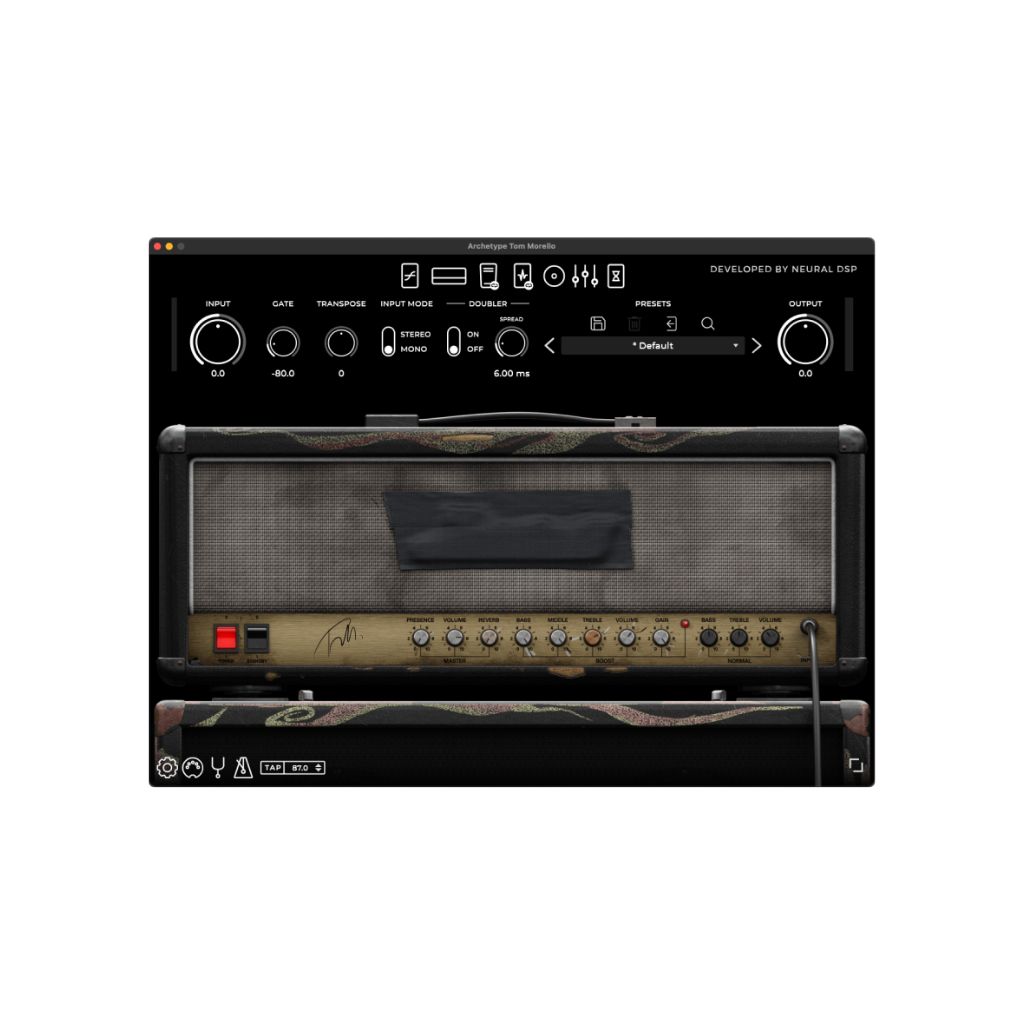
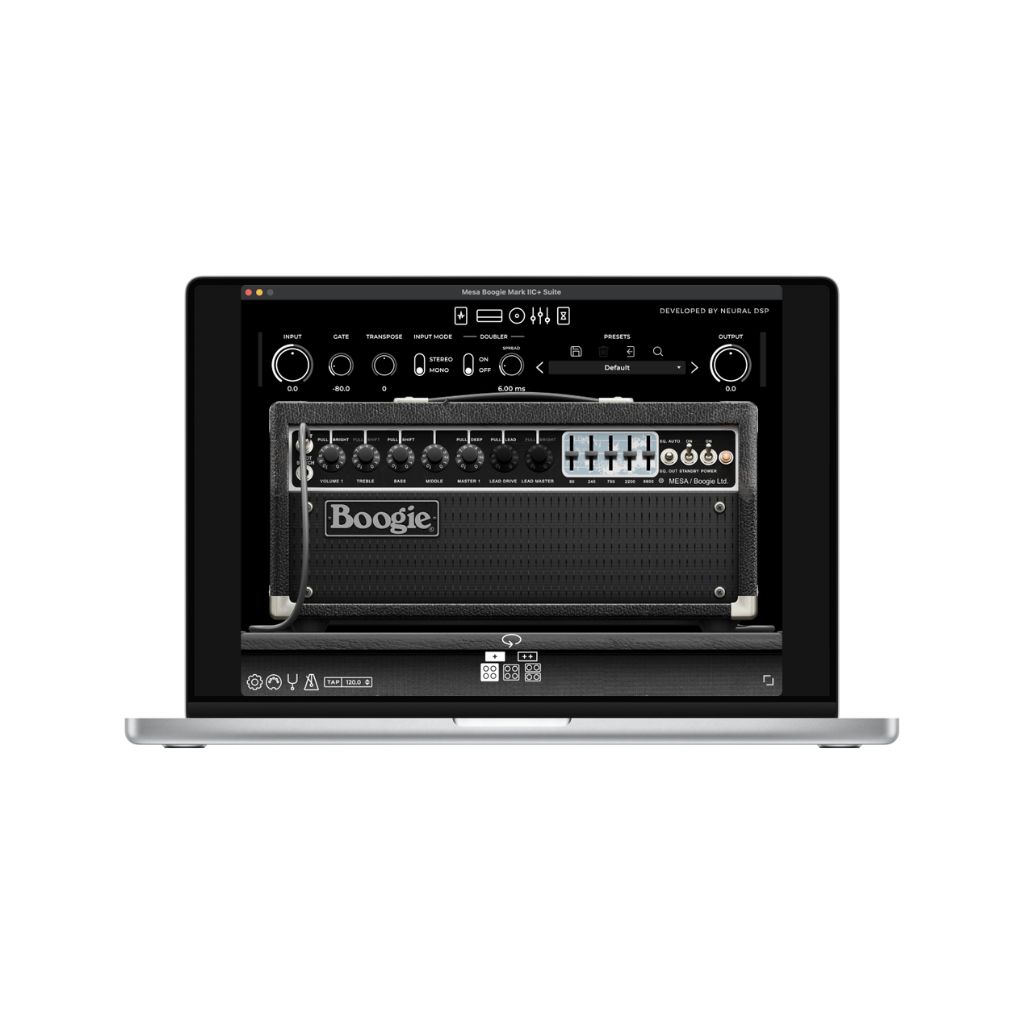
When it comes to digital amp sims, Neural DSP has cornered the market. Before the Quad Cortex, Neural began life with stellar amp sims and their acclaimed Archetype series.
To date, Archetype has recreated the classic tones of Tom Morello, Tosin Abasi, Cory Wong, Plini, Gojira and many more. From recreating an artist’s studio signal chain and effects, to capturing their visual aesthetic in the user interface, Neural’s Archetype plugins are the perfect companion for players wanting to sound like their guitar icons.
If you’re looking for more versatility, Neural has many excellent amp sims to choose from. In our review of the Mesa Boogie Mark IIC+ Suite, we said, “…if you are drawn by the convenience of a good amp plugin, but didn’t want to leave behind the experience of a real amp, this might be the best €99 you could spend.”
Best for official emulations: IK Multimedia TONEX
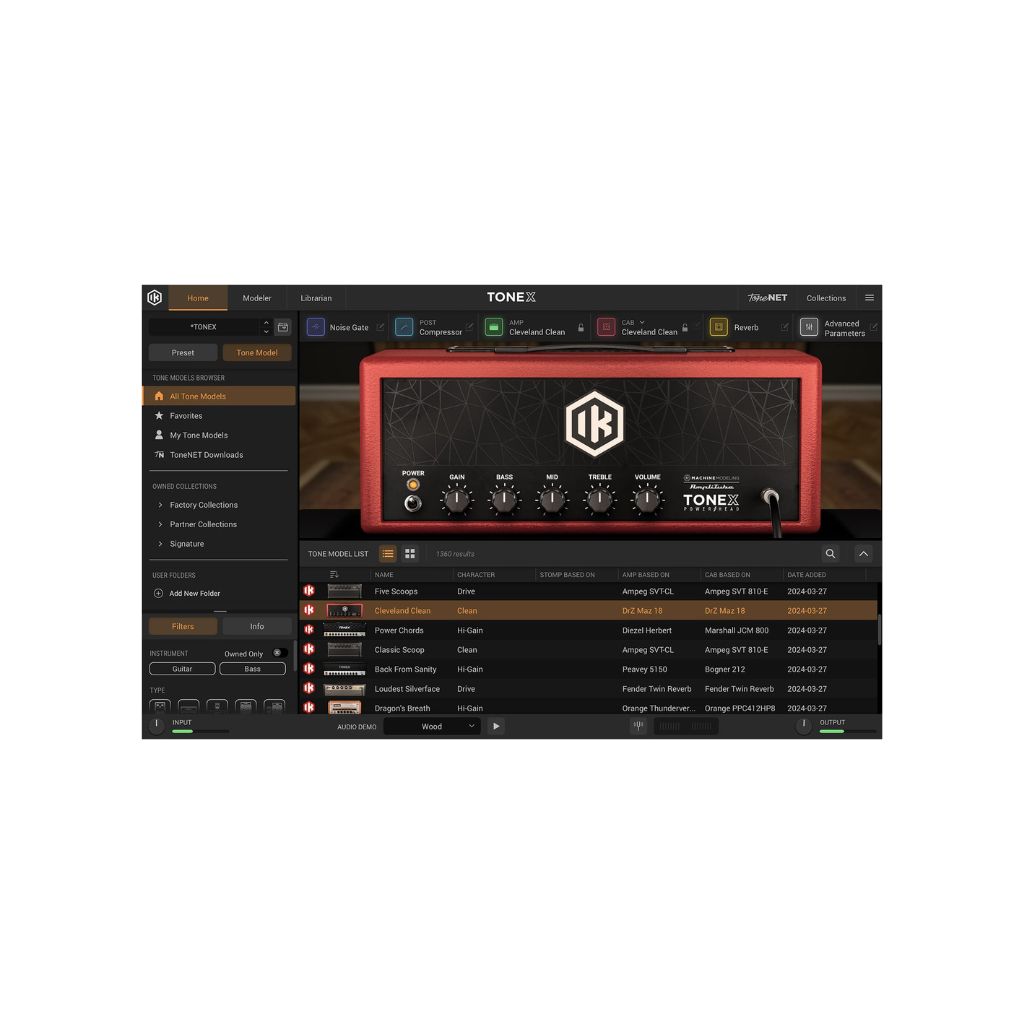
IK Multimedia’s TONEX stands apart by recreating real-world gear, so if you’re keen on trying out official digital versions of Fender, Orange and Marshall amps – to name a few – this will be right up your street.
As well as playing with iconic amps, you can also capture the sounds of your own equipment. There are three tiers available ranging from €49.99 – €249.99. The ‘Max’ version opens up 1000 tones and unlimited access to user-created Tone Models via IK’s ToneNET user community. As I alluded to earlier, TONEX can be paired with Amplitube, so if you’re working with a smaller budget, you can still create a fairly robust setup.
In our review of TONEX ‘Max’, Darran Charles said, “…TONEX offers you the ability to profile your own rig, with the added bonus of a wealth of professional quality tones on offer, for a price that is vastly more affordable than the competition. Impressive stuff.”
Best value for money: Two Notes Genome

Offering a focused set of virtual amps, cabs and pedals, Genome is both affordable and a great way to experiment without being overwhelmed.
We loved the clean and distorted sounds, not to mention the endless tweaking of the IRs. Creating your signal chain is super easy thanks to an intuitive drag-and-drop block system, and best of all, Genome has excellent third-party compatibility. This means that if you’ve been experimenting with Neural Amp Modeller, for example, you can load these amp/pedal captures into Genome and tweak them using its EQ and effects.
In our review, Cillian Breathnach gave Genome a 9/10 and said, “With a focused set of virtual amps, cabs and pedals, Genome’s streamlined approach makes it a very appealing option for an affordable ‘full signal chain’ plugin.”
Best for JHS fans: MixWave: JHS Loud Is More Good Collection
Download at mixwave.com.
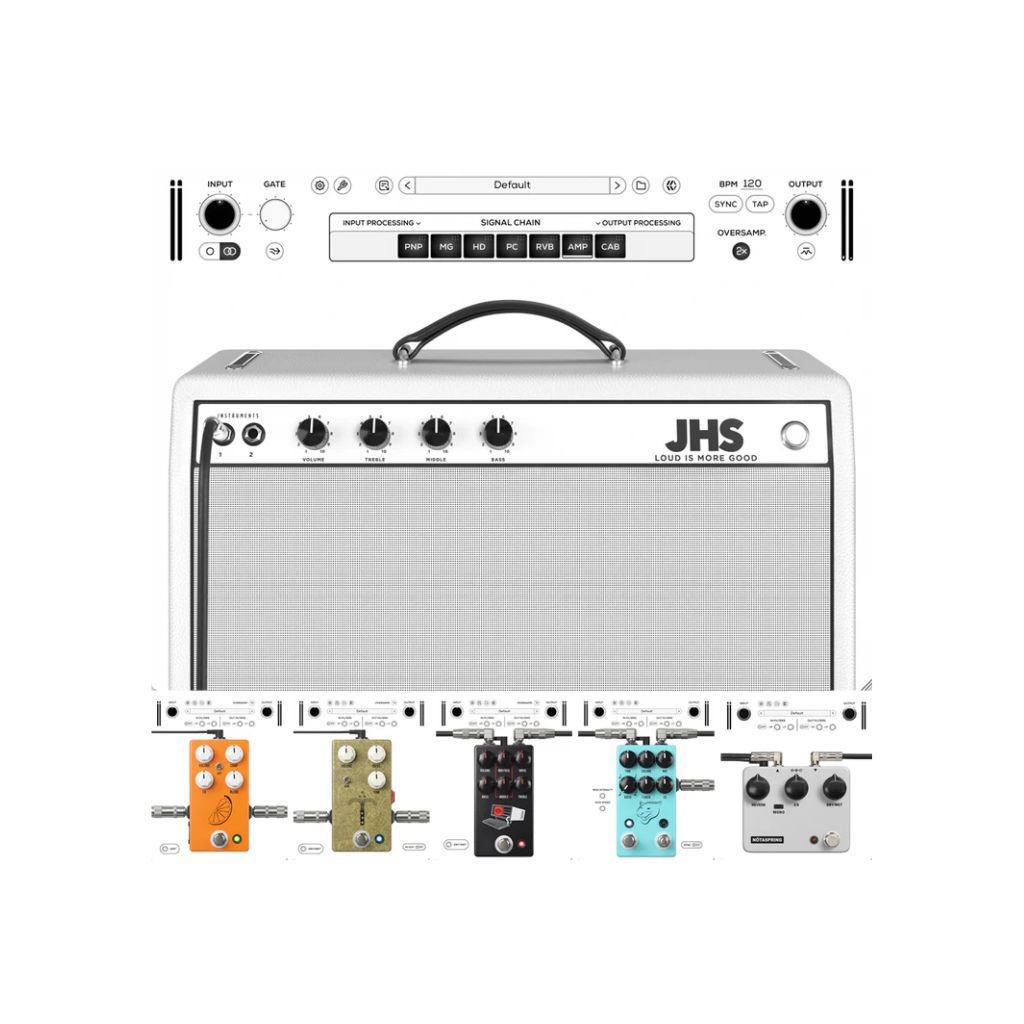
Our final pick is a bit of an outlier in that its focus is on digital emulations of stompboxes, rather than amplifiers – though they have included one amp for good measure. The MixWave: JHS Loud Is More Good Collection may be a mouthful to say, but the package is simple: five digital JHS stompboxes and a recreation of the JHS/Milkman Loud Is More Good amplifier.
As expected, the pedals on offer here sound fantastic, with the Morning Glory and Hard Drive overdrives featuring a bonus clean blend control, which is absent on their physical counterparts. In addition to these two overdrives, there’s the Pulp ‘n’ Peel compressor, Panther Club delay and NÖTASPRING reverb. The amp sim isn’t quite as feature-rich and customisable, but is a strong pedal platform.
In our review, we said, “It’s not going to solve all your problems… but if you’re broadly happy with your existing sim setup and just fancy adding a few high-quality extras, there’s no harm in taking MixWave’s free two-week trial for a spin.”